Pinky Map puts you in total control of your data. This page provides you with all of the information you need to remove some, or all of your data at any time.
Remove all of my data
You can delete all of your data directly from the Pinky Map app. Follow these simple instructions to permanently delete all of your data:
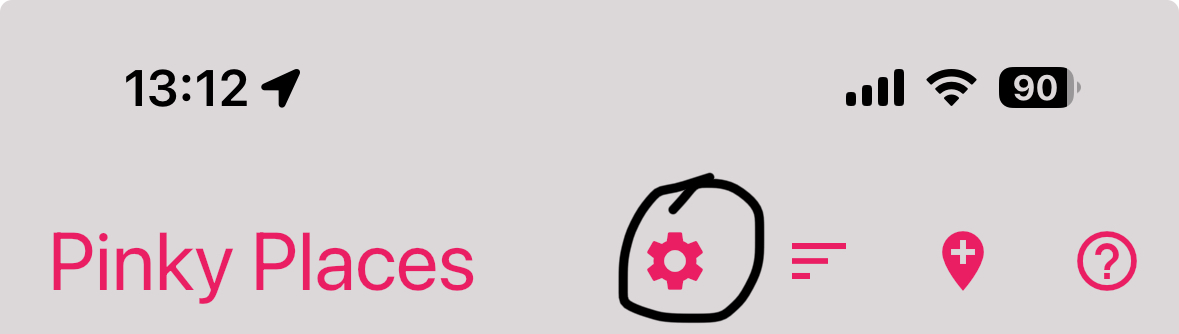
- Open the Settings page in the Pinky Map app by tapping the settings button at the top of the app. See circled icon.
- Scroll down the page until you see the Account Deletion panel.
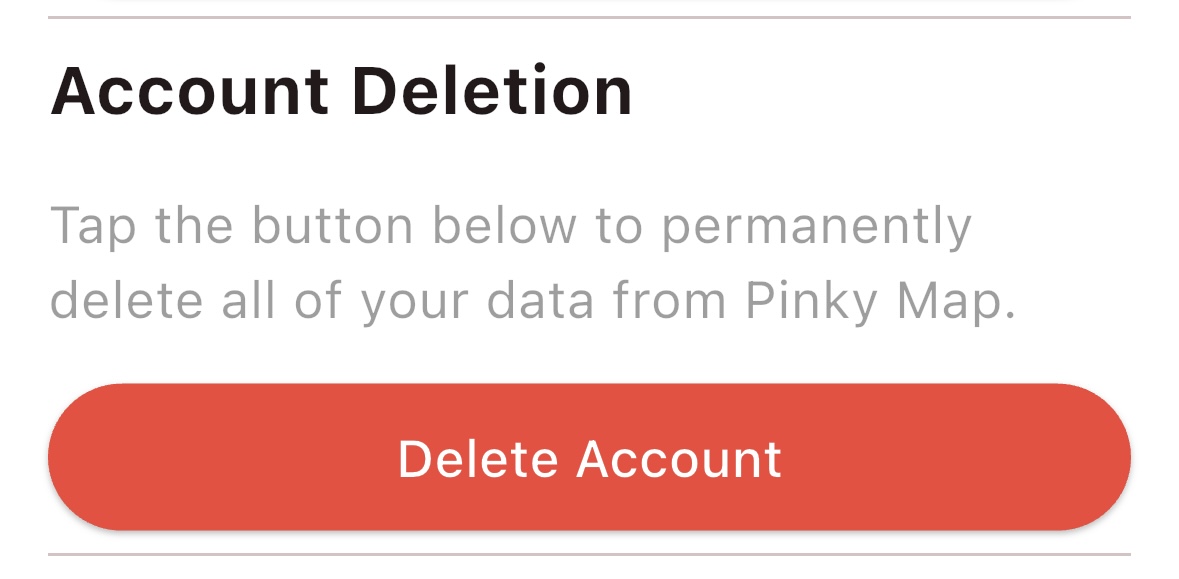
- Tap the Delete Account button.
- Confirm that you want to permanently delete all of your data.
- Pinky Map will then delete all of your data from your device and from our servers.
Remove some of my data
Pinky Map may hold some or all of the following types of data for you. You can delete any of the data at any time directly through the app.
- Reminder text and photos
You can swipe or tap any reminder to delete it instantly. - Pinky Places (Locations you visit)
You can swipe a Pinky Place to delete it instantly. If the Pinky Place contains reminders, those reminders will also be instantly deleted. - Your Alias
You can edit the Alias that you have set for yourself at any time and change it to a non-identifying Alias such as “Your Alias” or “Unknown”. - Shared Pinky Places (Locations you share with others)
You can stop sharing a Pinky Place with one or more individuals using the Pinky Shares tab accessible from the bottom of the screen. - Pinky People (People you share with)
You can stop sharing with any or all of the Pinky People with whom you have a sharing relationship. Use the Pinky People tab at the bottom of the screen.